 Docklume
Press kit
Everything you need to write about Docklume.
Logos, artwork, screenshots, descriptions and a fact sheet. Use them freely to cover Docklume.
Docklume at a glance
- Name
- Docklume
- Tagline
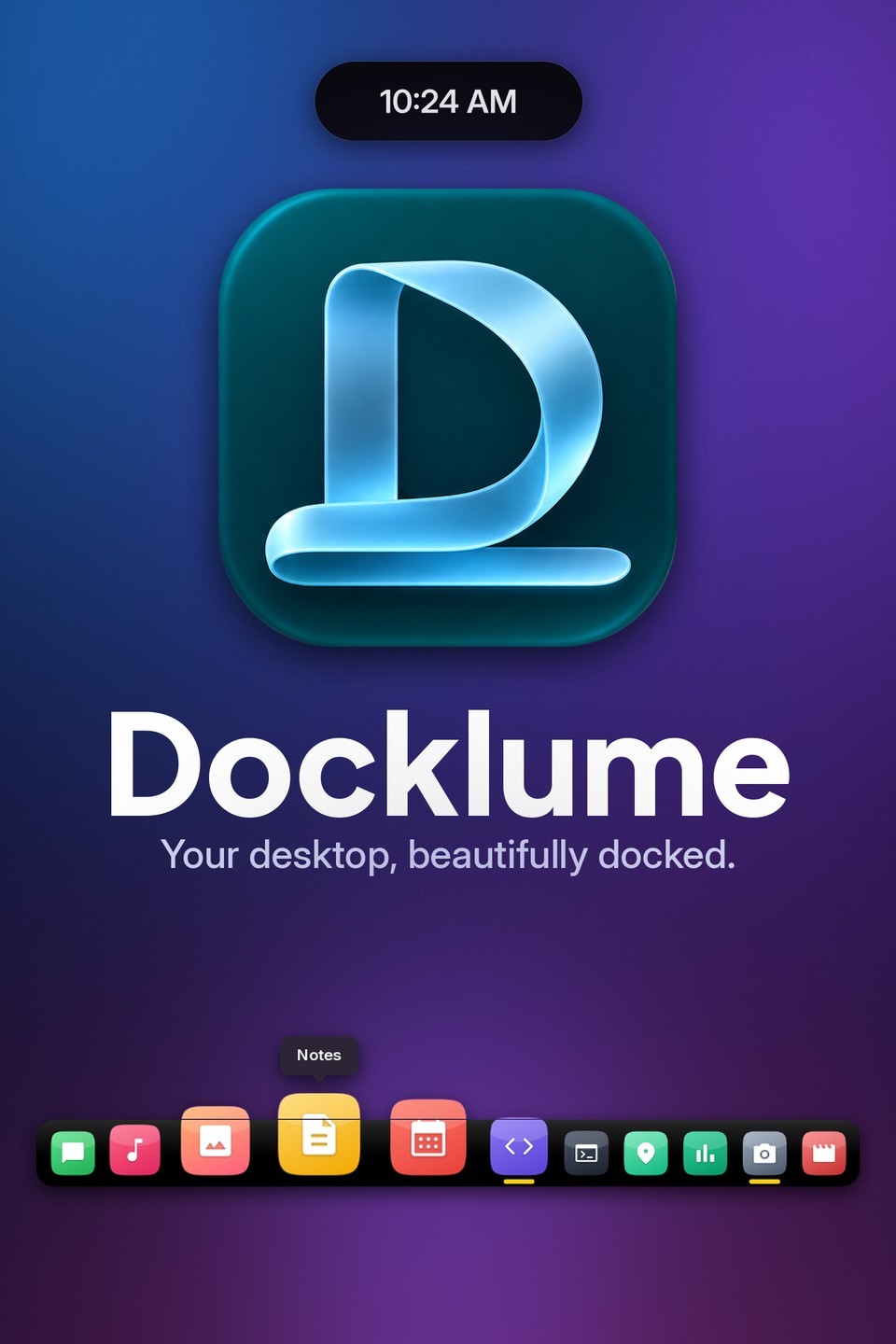
- Your desktop, beautifully docked.
- Version
- 1.1.0
- Developer
- Yeasin Arafat Sadiq
- Contact
- hello@docklume.click
- Developer site
- sadiqtbh.dev
- Platform
- Windows 11 (21H2 or later), 64-bit (x64)
- Category
- Utilities & tools · Personalization
- Price
- Free
- Licence
- GNU General Public License v3.0 (GPL-3.0)
- Language
- English
- Availability
- Get it from the Store (Store ID 9MXSLBM2XVFP)
- Data collection
- None: no accounts, ads or telemetry
Words you can use
Short
A smooth, magnifying dock with a Dynamic Island, a Side Dock and built-in tray panels.
Long
Docklume gives your desktop a smooth, elegant dock and a live Dynamic Island, so the apps you use most are always one click away.
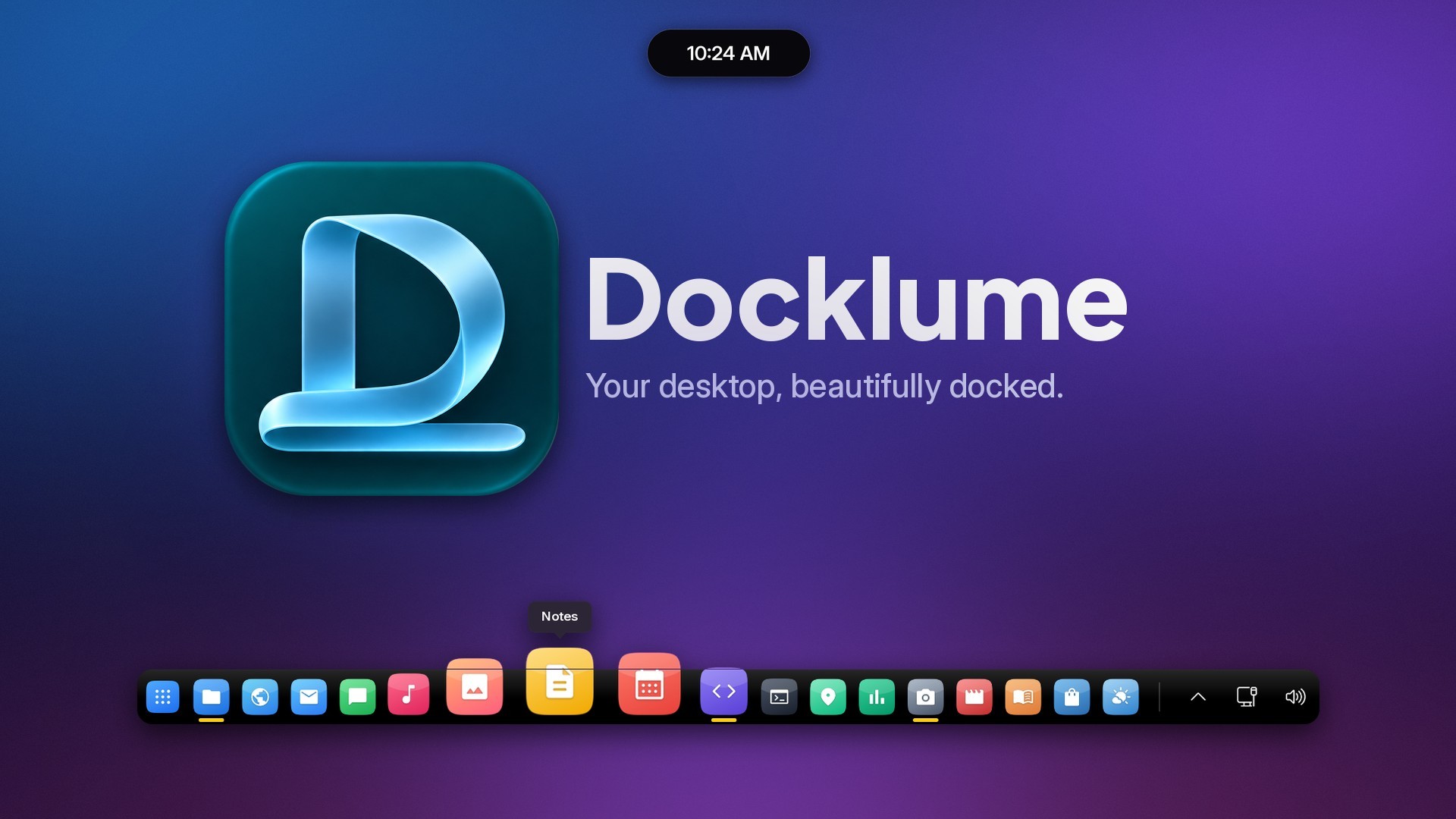
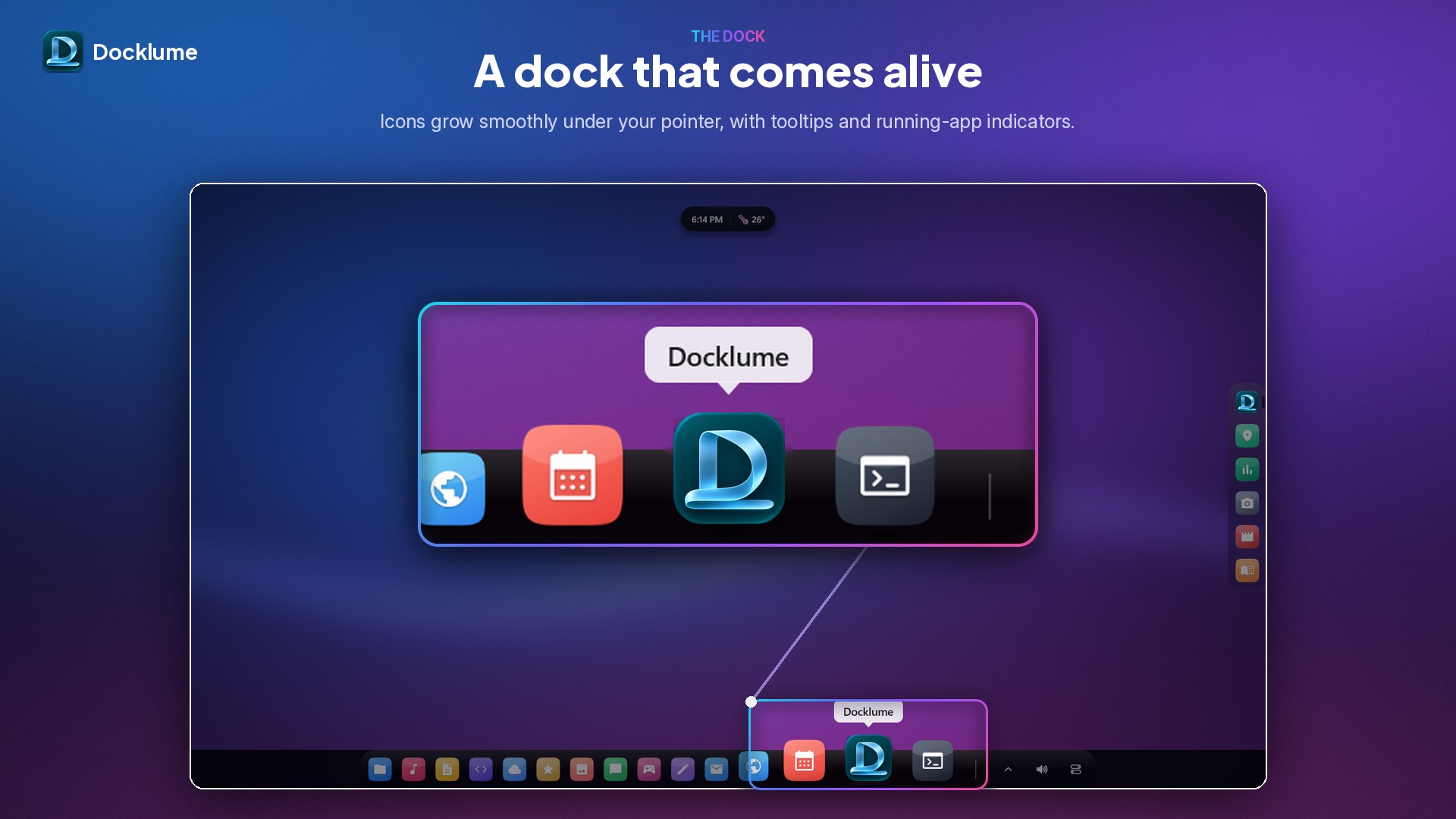
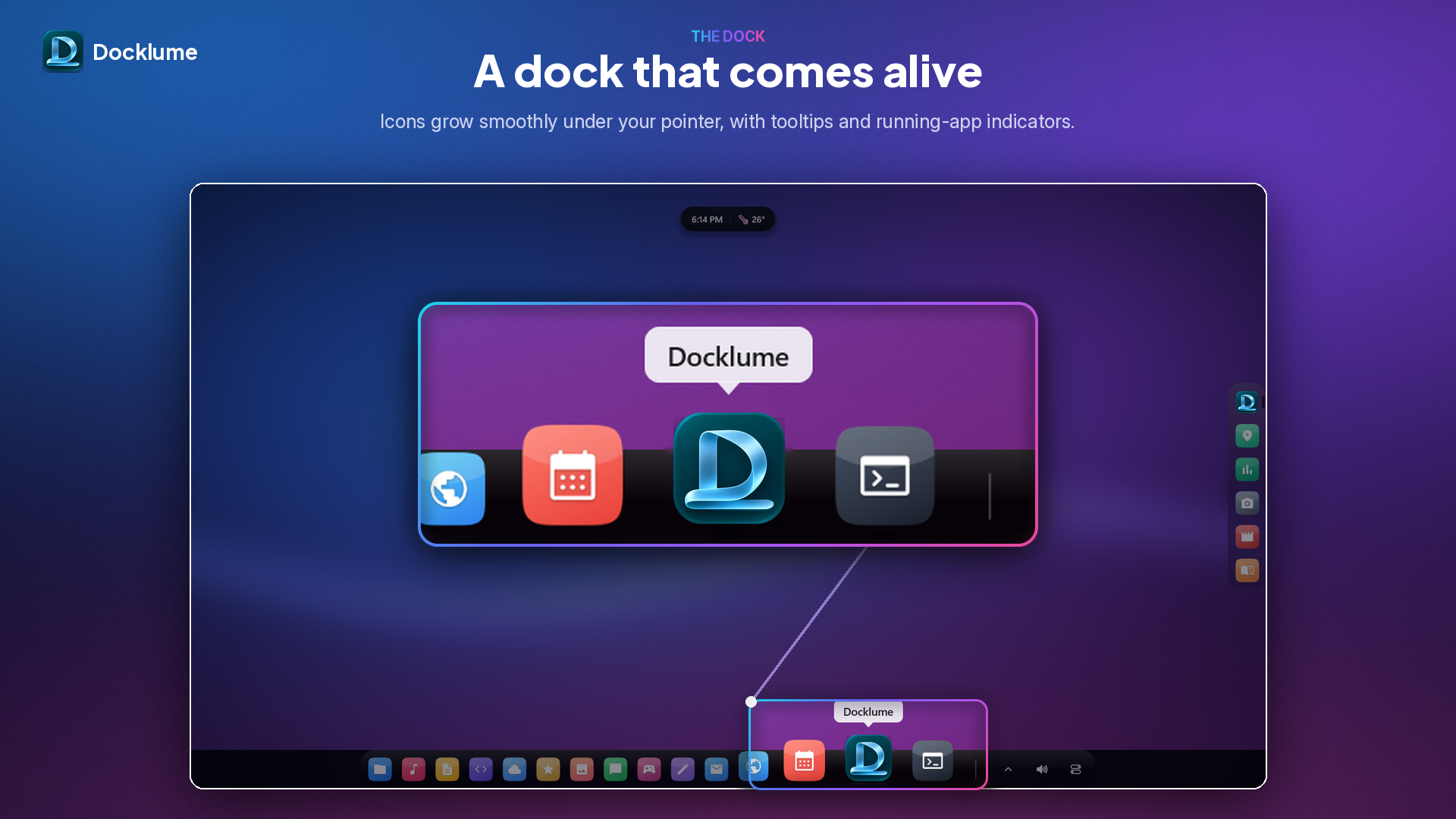
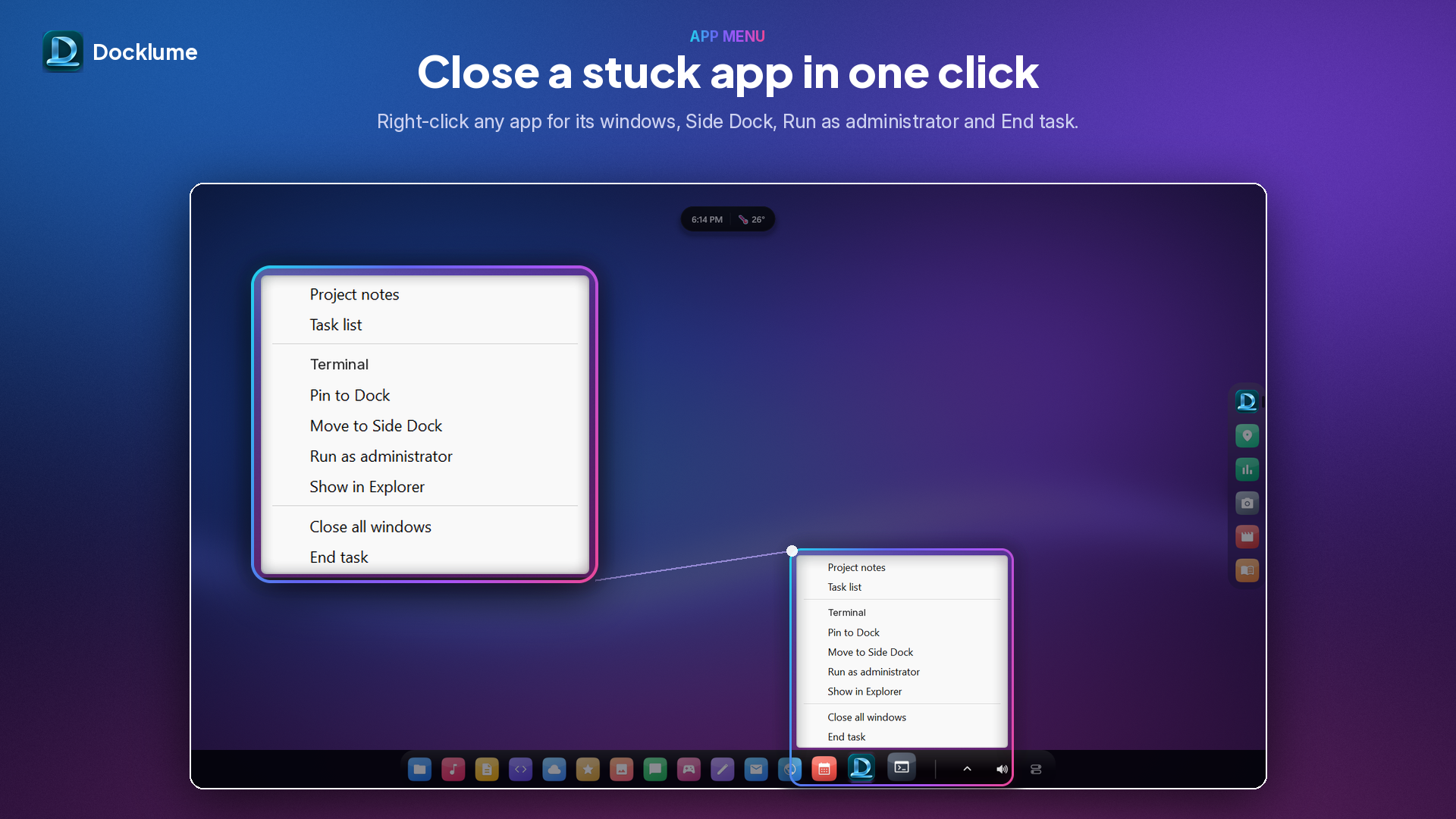
Pin your favourite apps and see every running app in one clean, glassy dock. Icons magnify smoothly as your pointer passes over them, show tooltips and running indicators, and bounce gently when an app opens. Put the dock on the bottom, top, left or right edge of the screen. Maximized windows stop exactly at the dock, and an optional bar behind the dock keeps the edge tidy and flush.
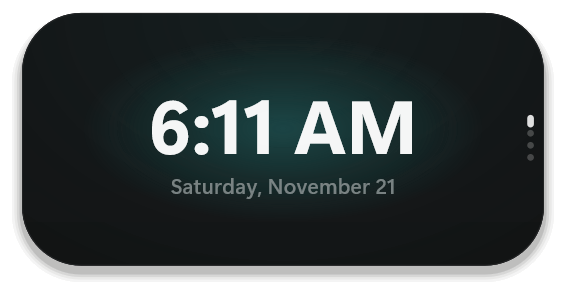
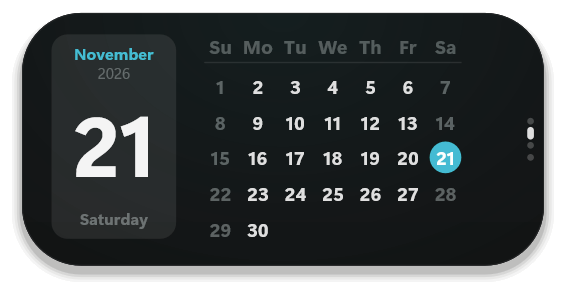
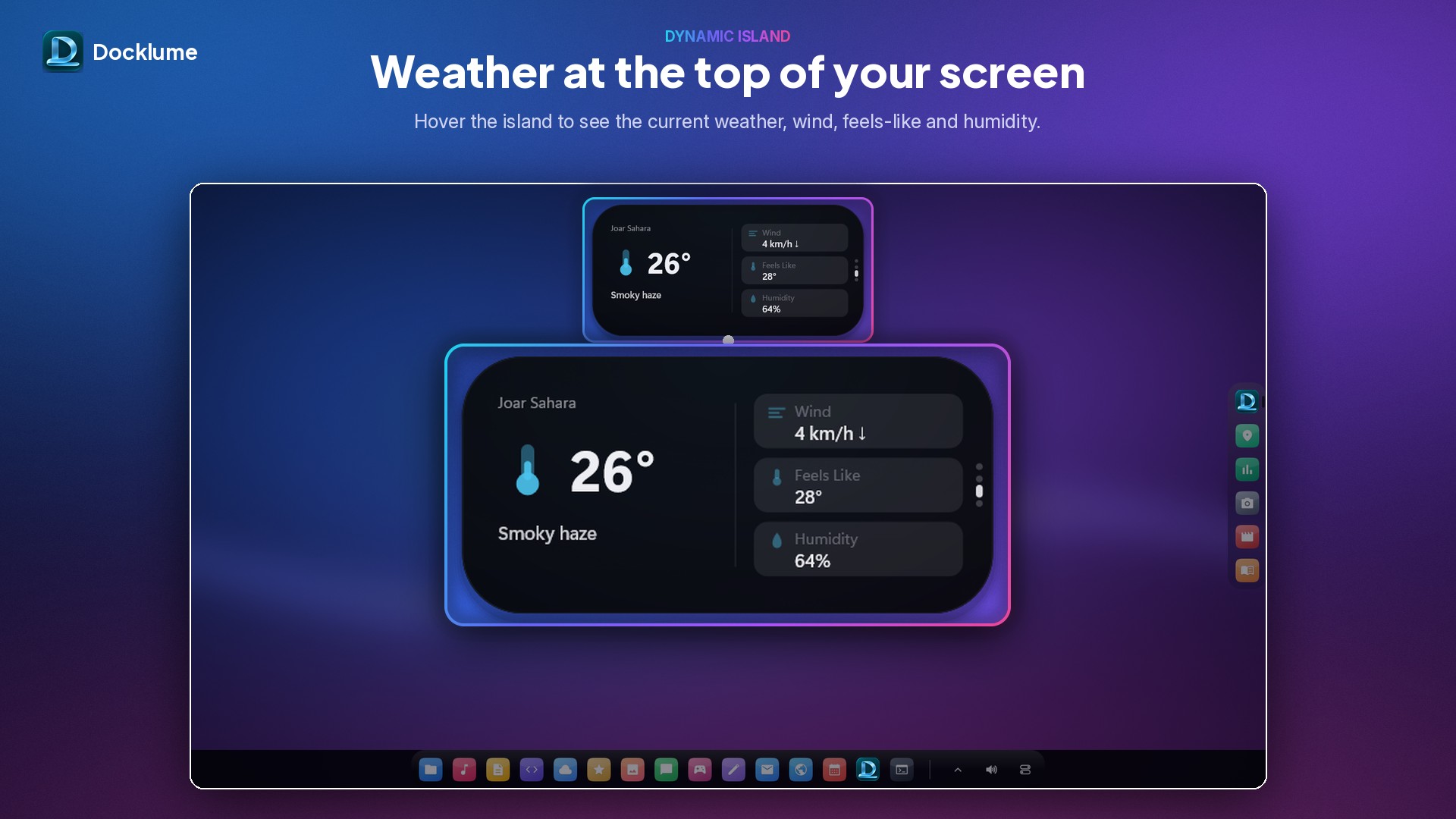
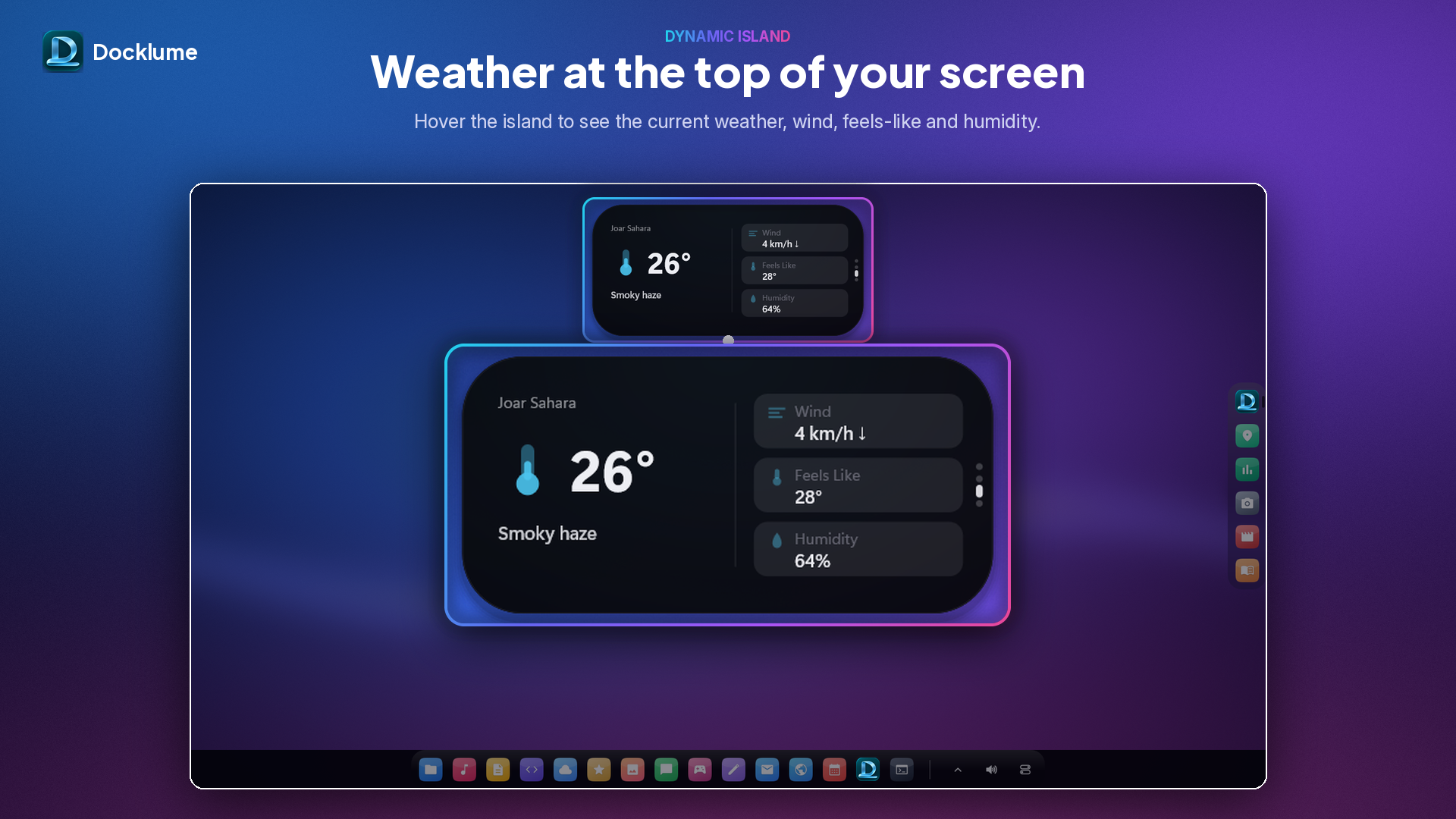
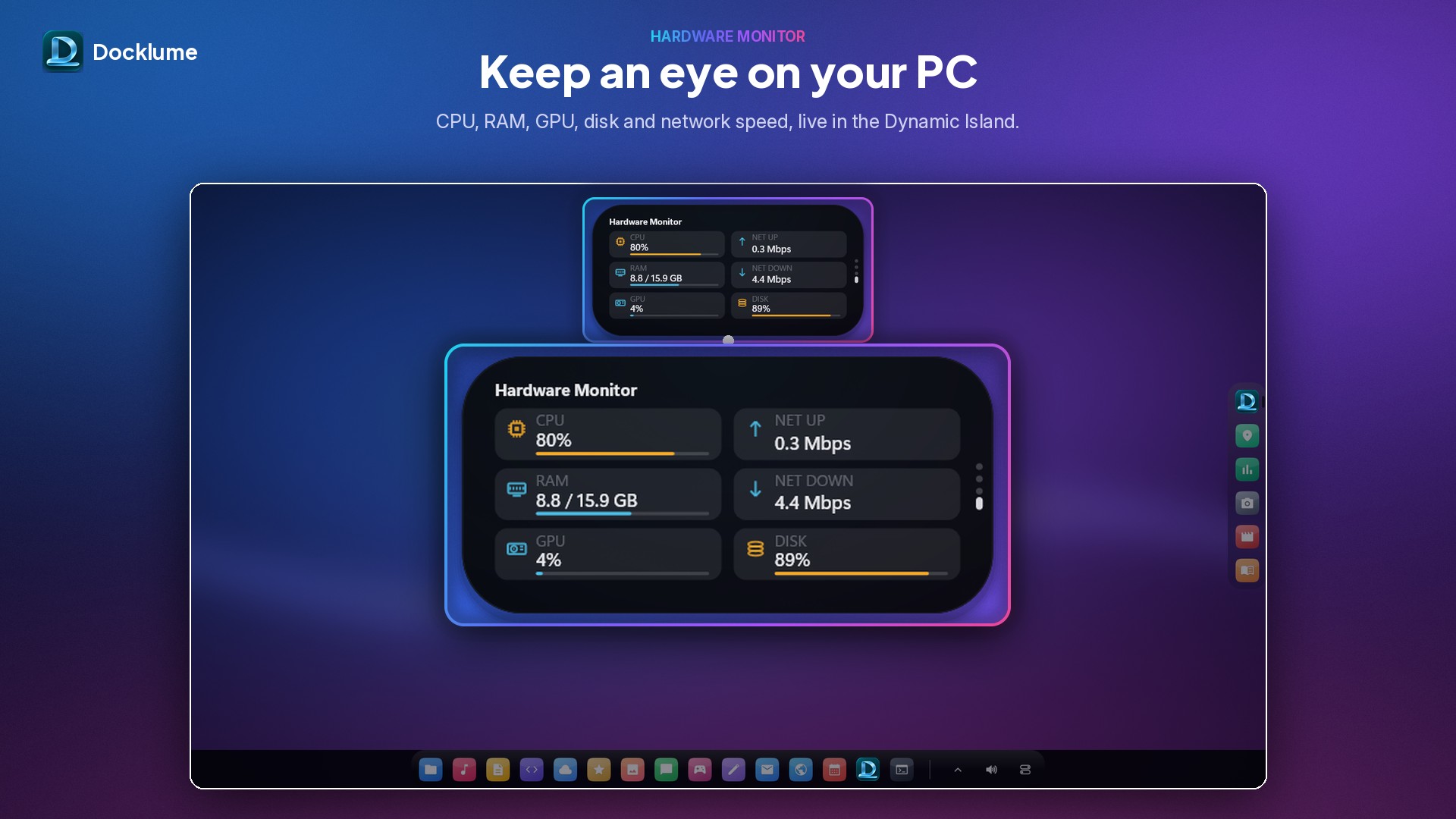
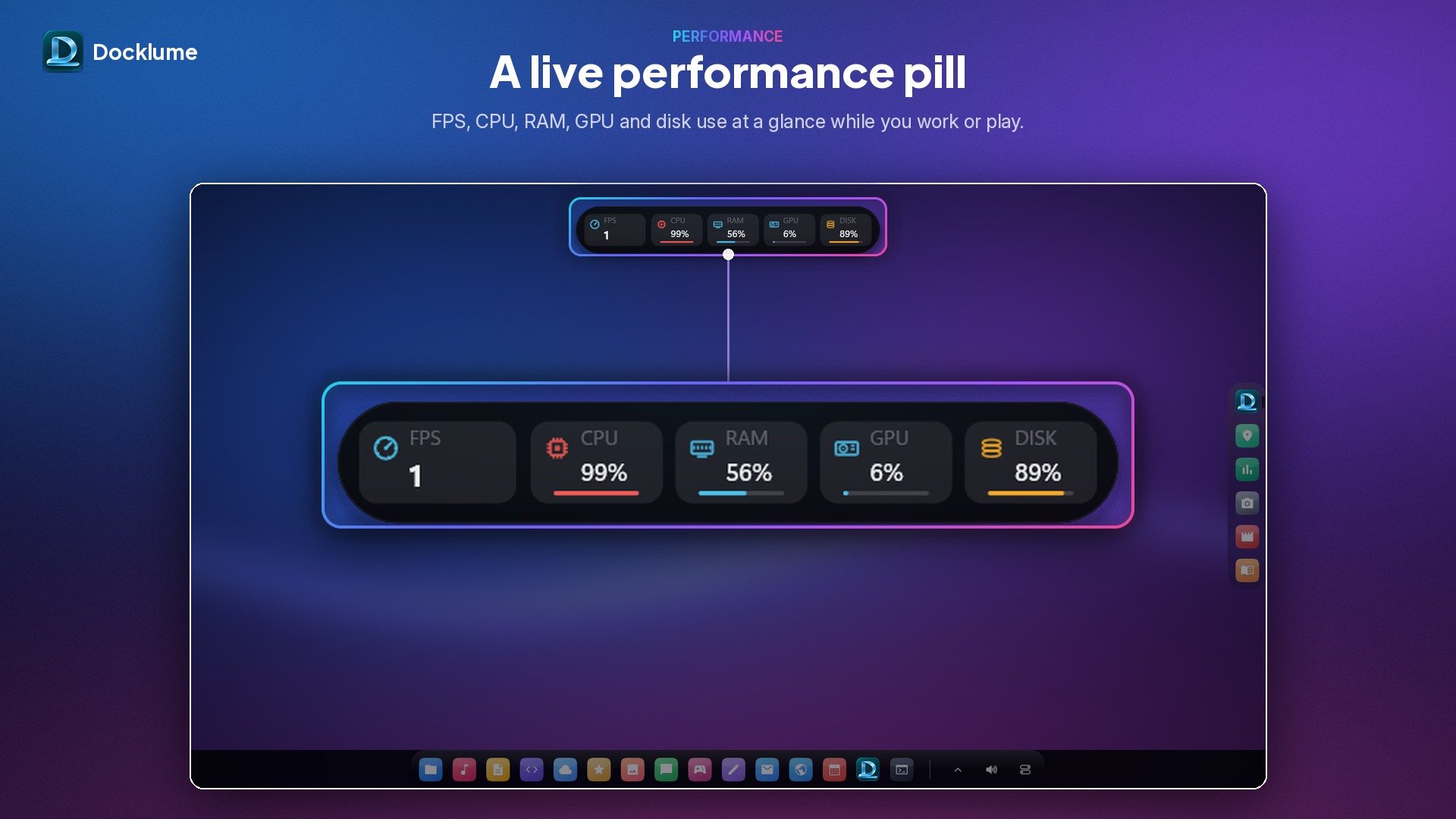
A compact island at the top of the screen shows the clock and comes alive with what is happening on your PC: media playing with artwork and controls, volume changes, battery, clipboard notices and short notification previews. Hover to expand it, pick from six positions, set its size, or switch it off in one click.
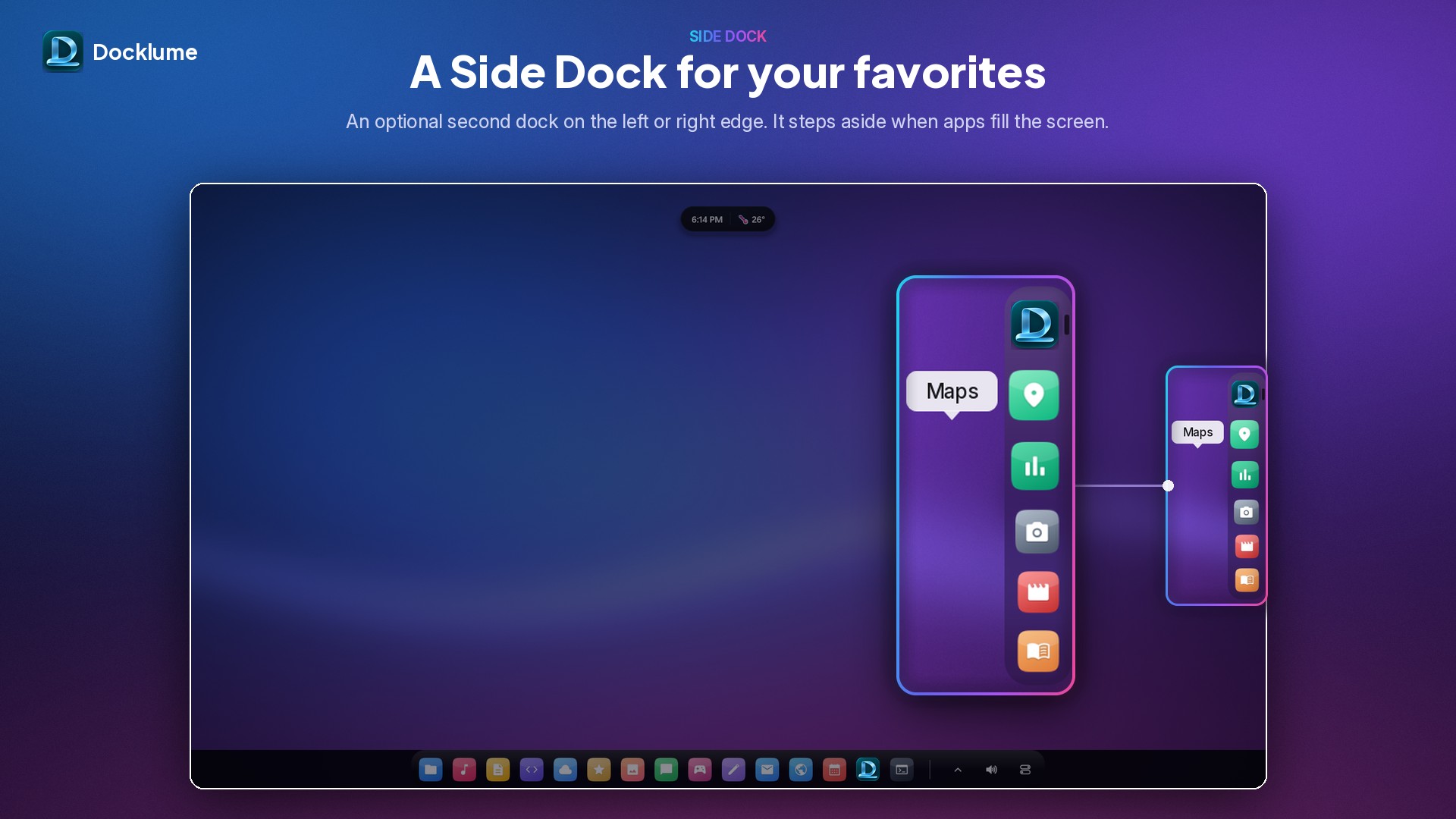
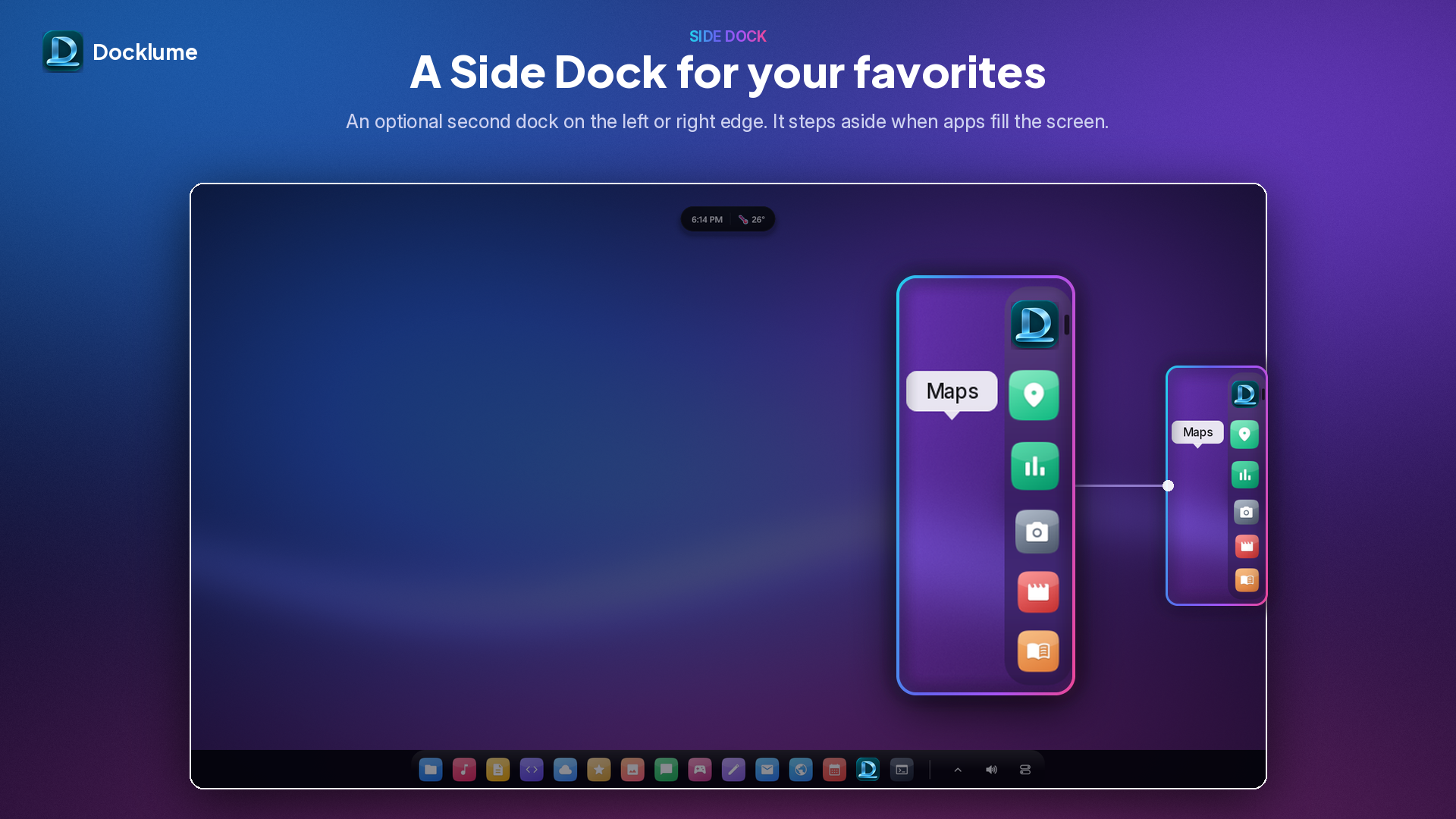
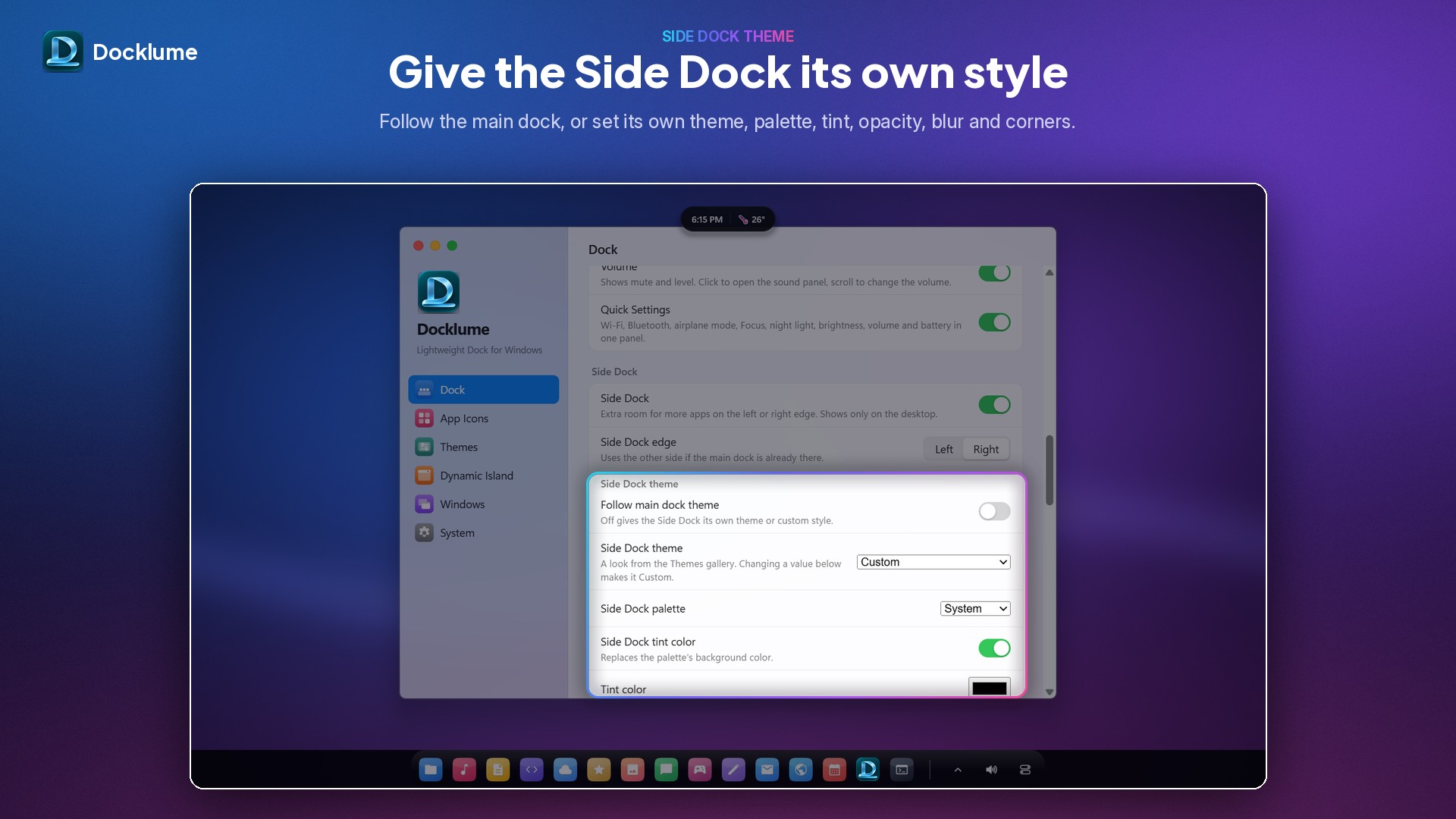
Need more room? Turn on the optional Side Dock, a second dock on the left or right edge for extra apps. It shares the main dock's look, appears on the desktop, and fades away while you work so it never takes space from your windows.
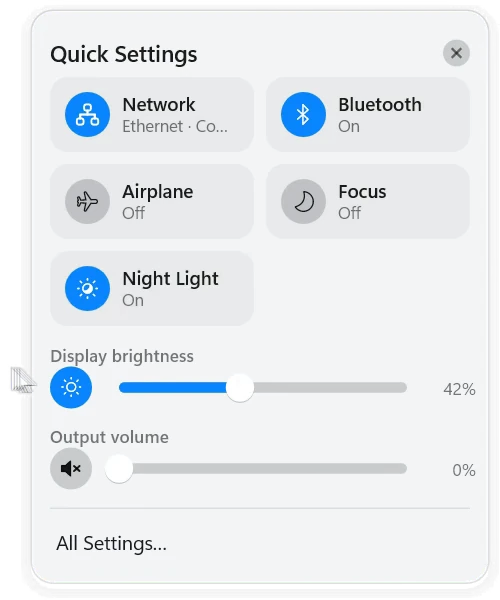
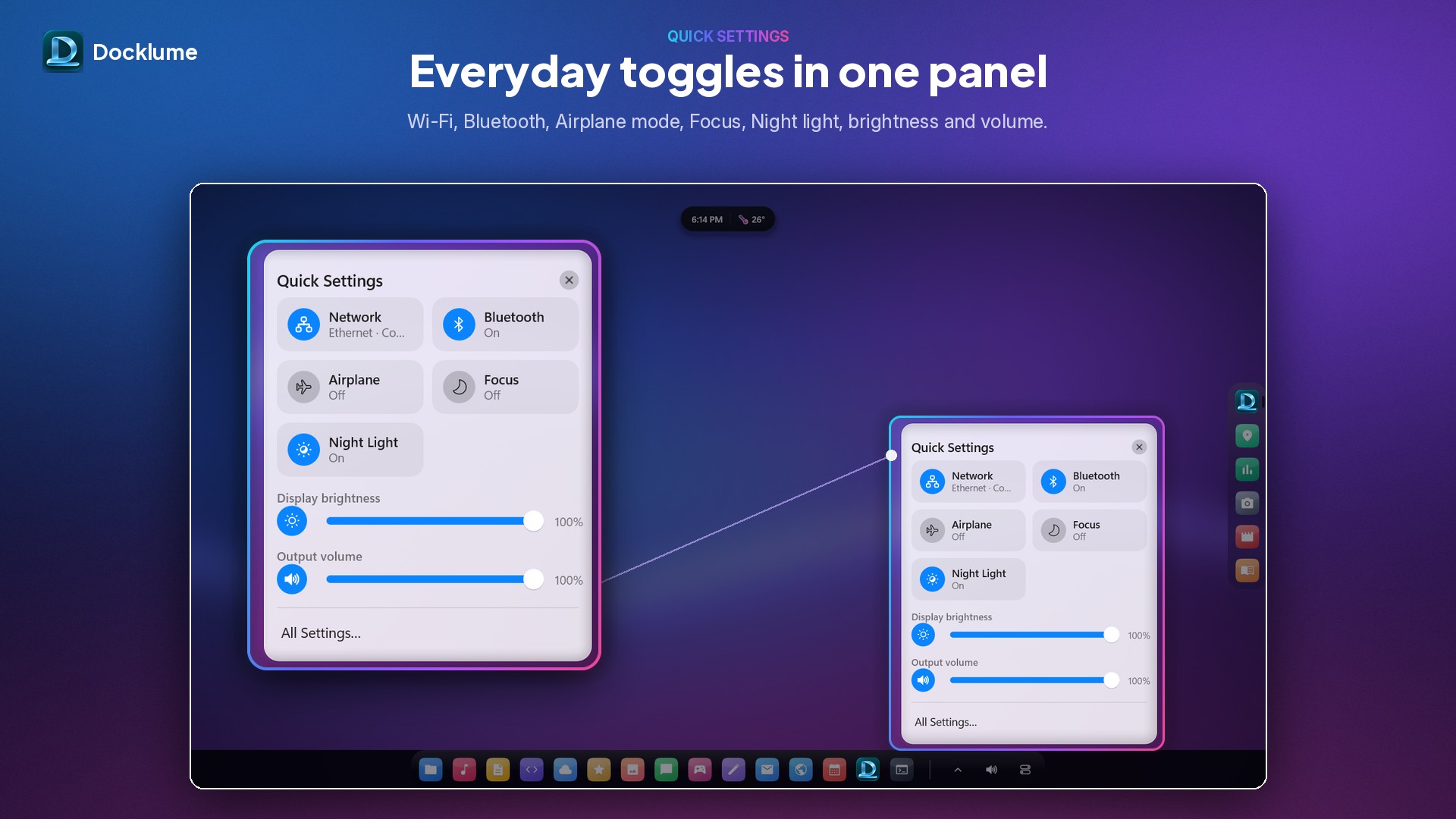
The end of the dock holds hidden icons, network and volume. Docklume's own network and sound panels let you check your connection, switch wireless, Bluetooth and Airplane Mode, set the volume, mute and change the output device, all with smooth animations. Press Esc or click outside to close them.
Docklume is written in native code, starts quickly and stays light while idle. It has no ads, no accounts and no telemetry. Your settings stay on your PC. The internet is used only if you turn on the optional Weather module and enter coordinates. Quitting from the dock's menu restores your normal taskbar.
Free and open source under the GNU General Public License v3.0.
The Docklume mark
Please use the logo as it is: don’t recolour, stretch or add effects to it.
Artwork
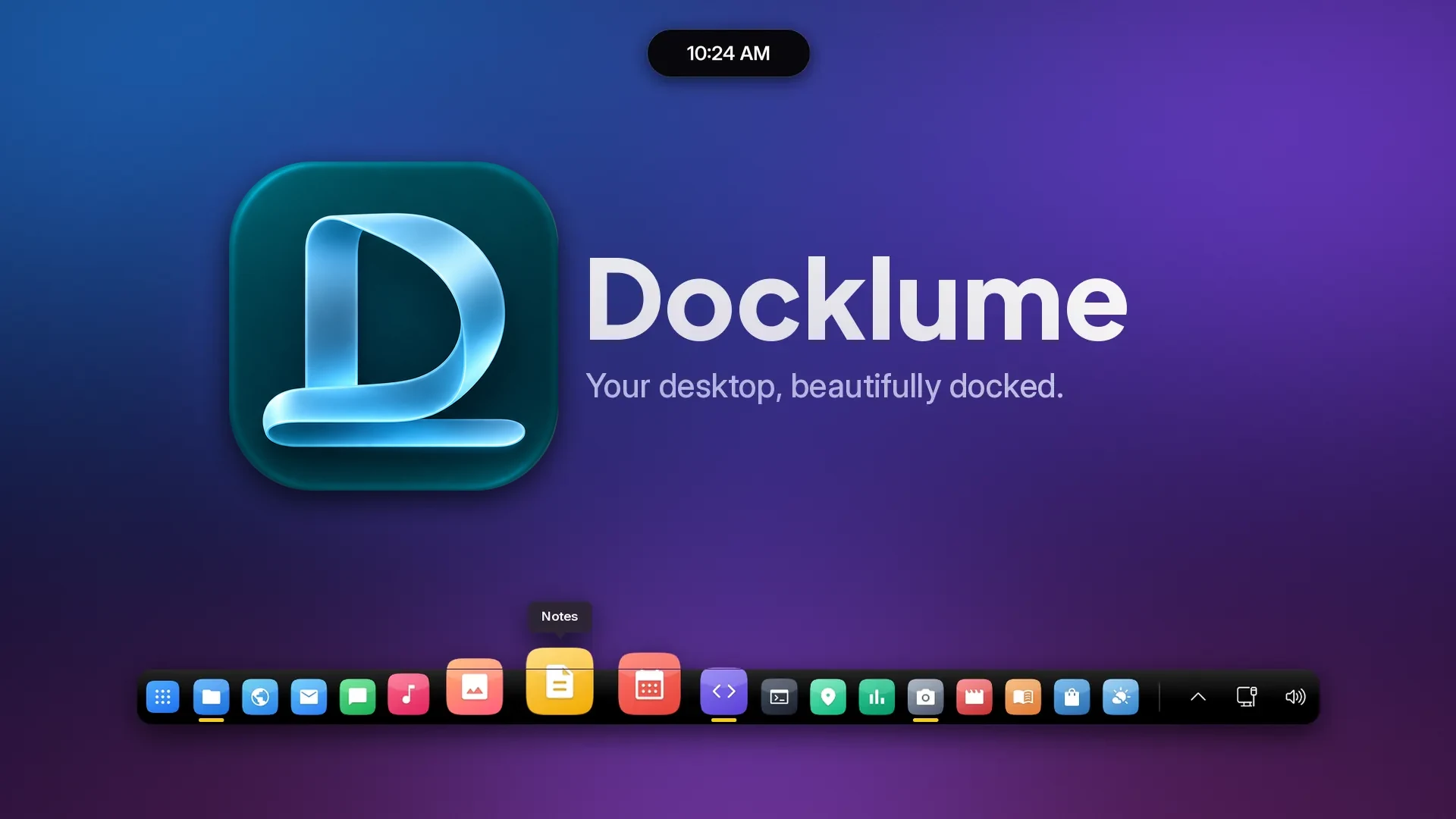
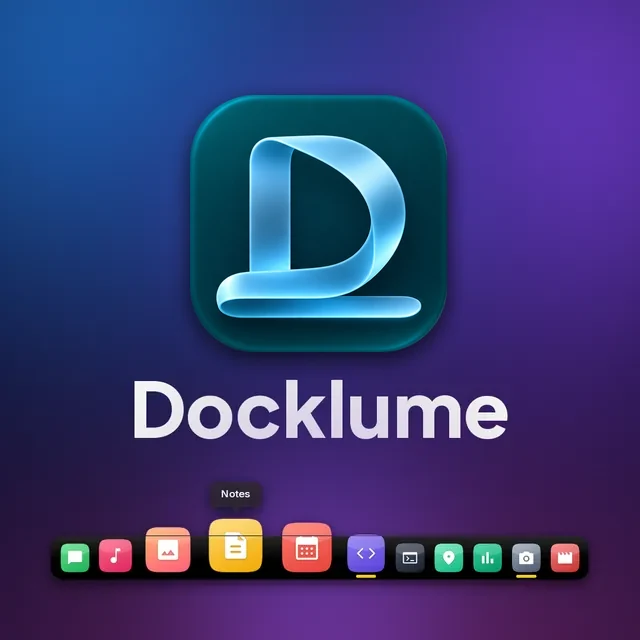
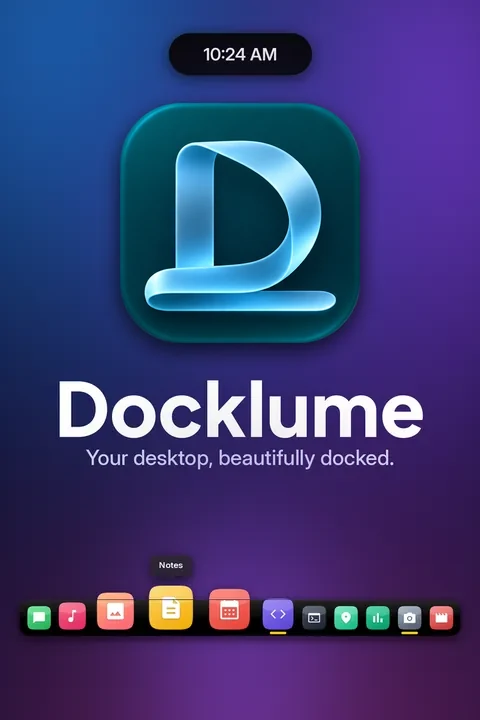
Transparent cut-outs
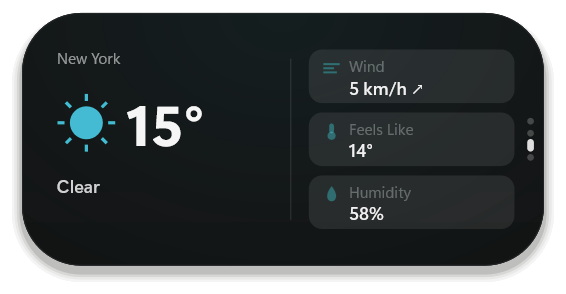
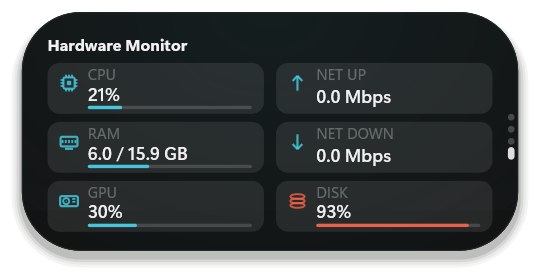
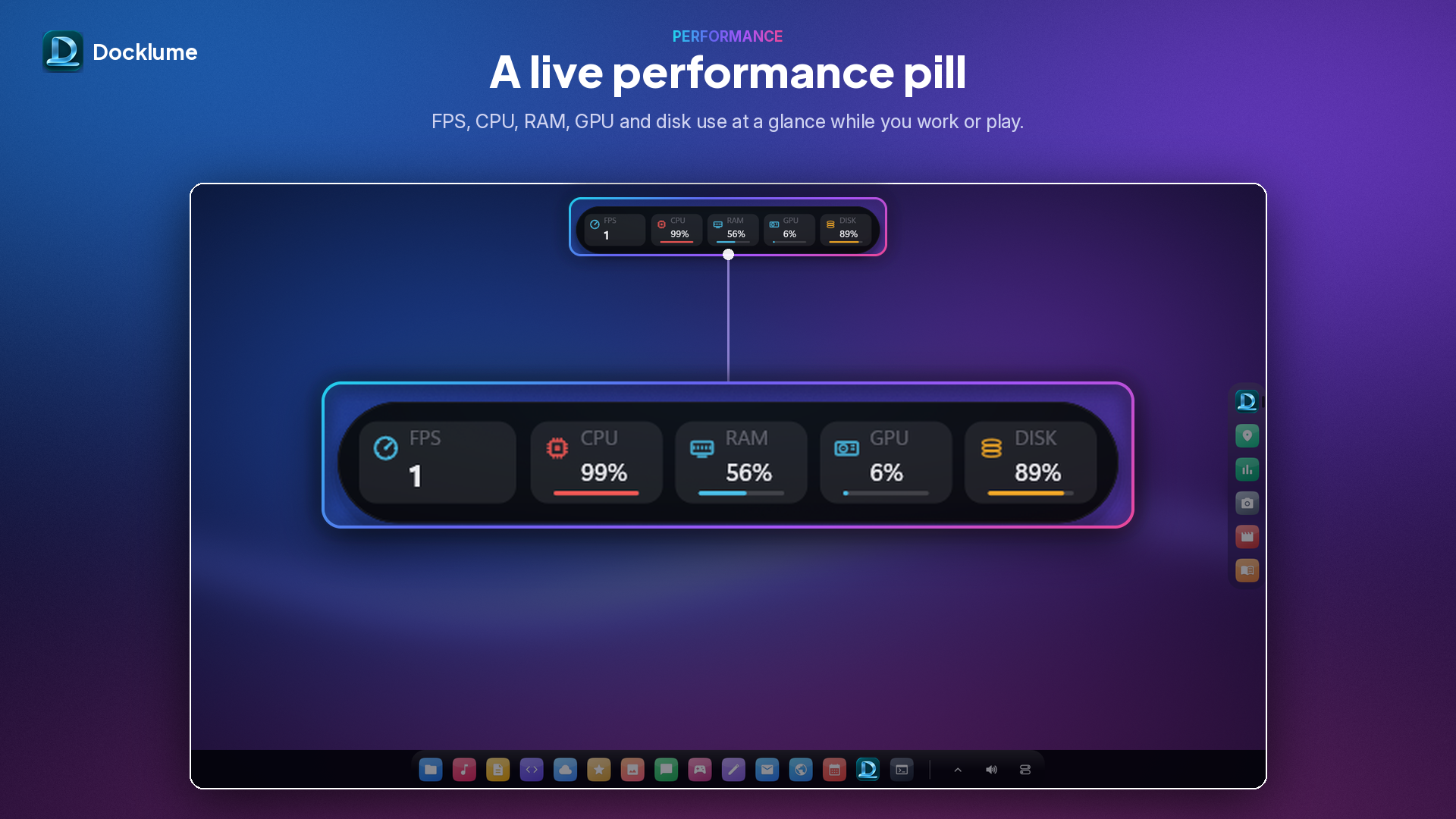
Docklume’s dock, Dynamic Island and Quick Settings, captured on a green screen at full resolution and saved as PNG with a transparent background. Place them on any image.


Screenshots
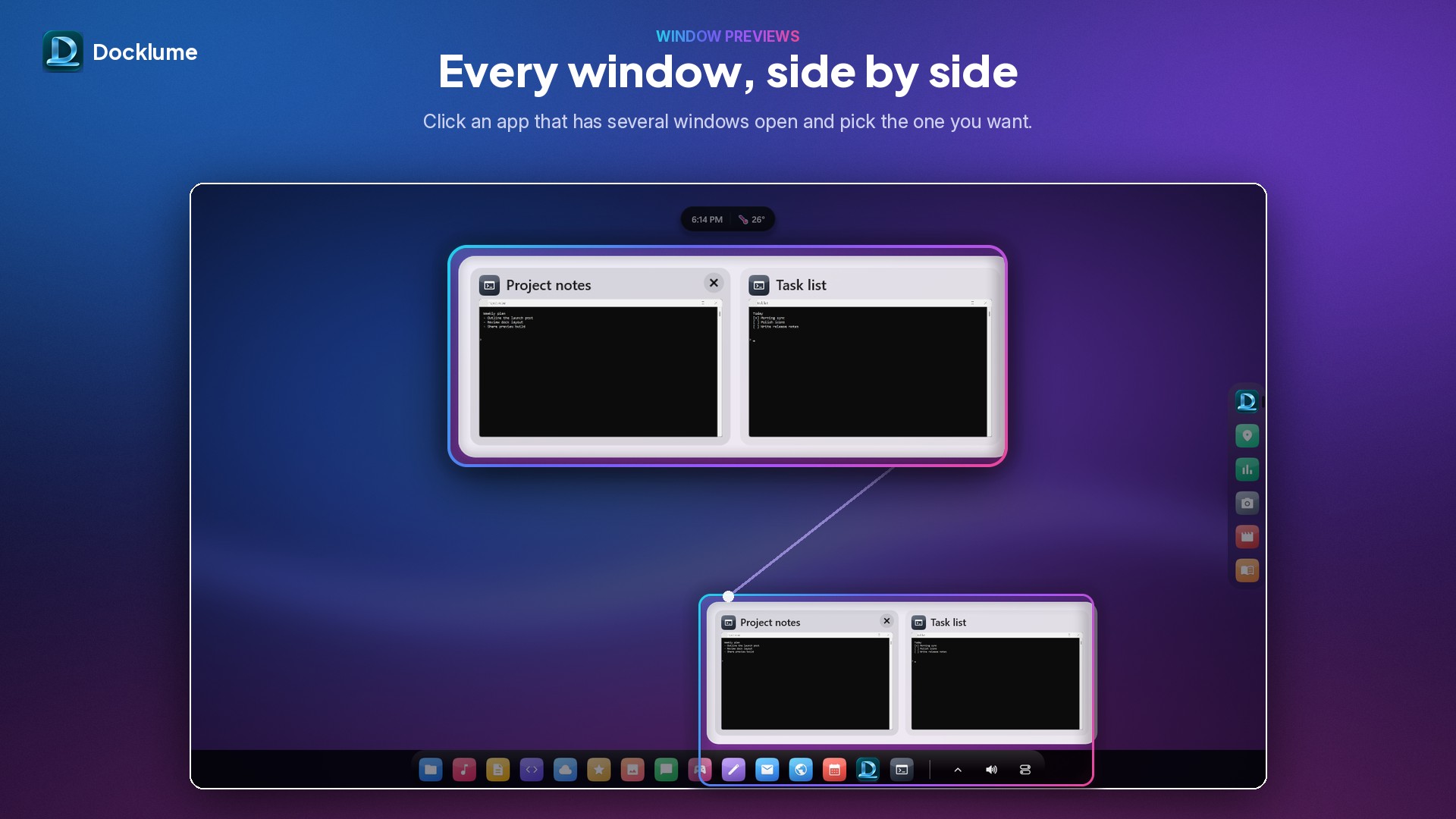
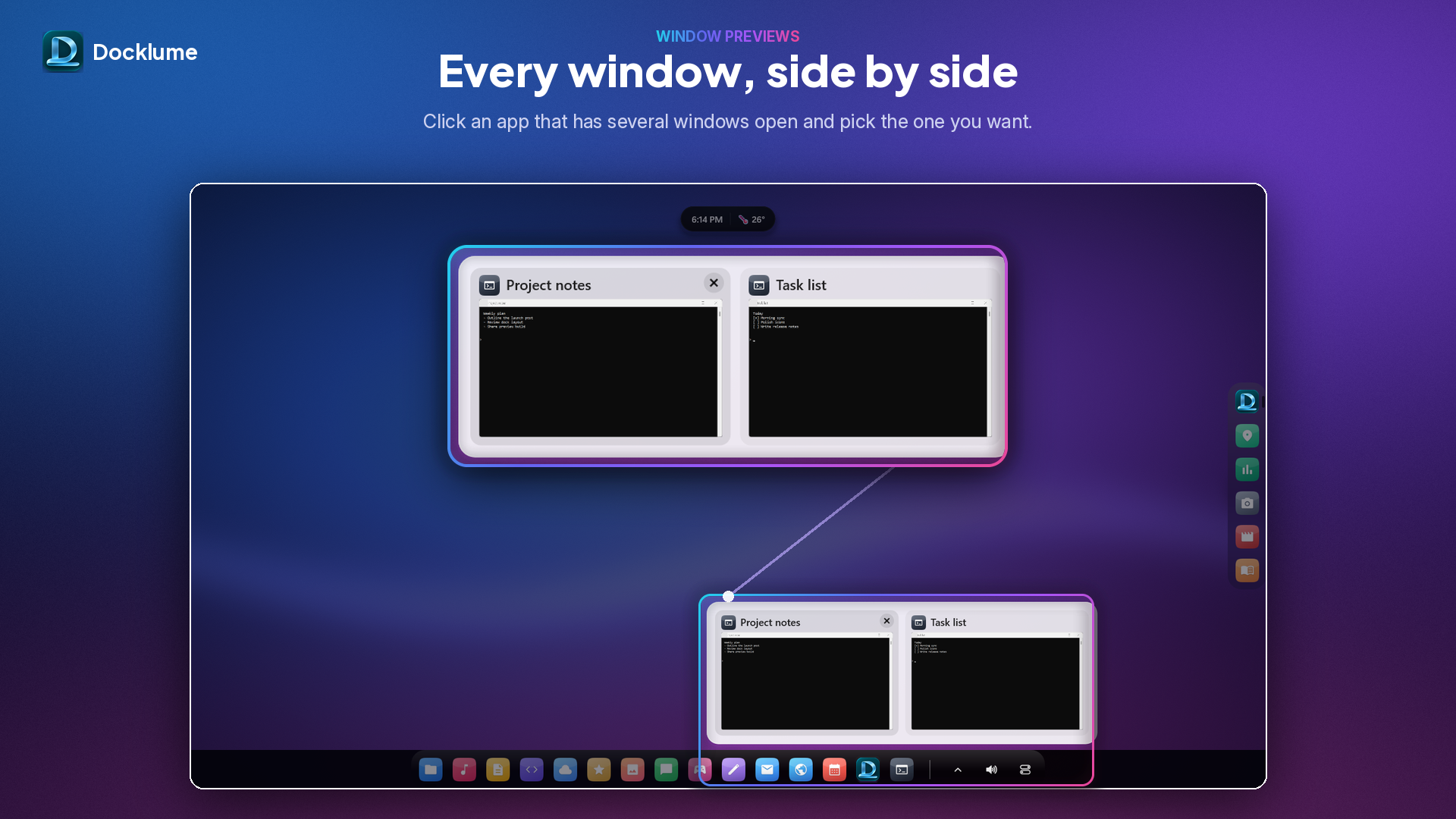
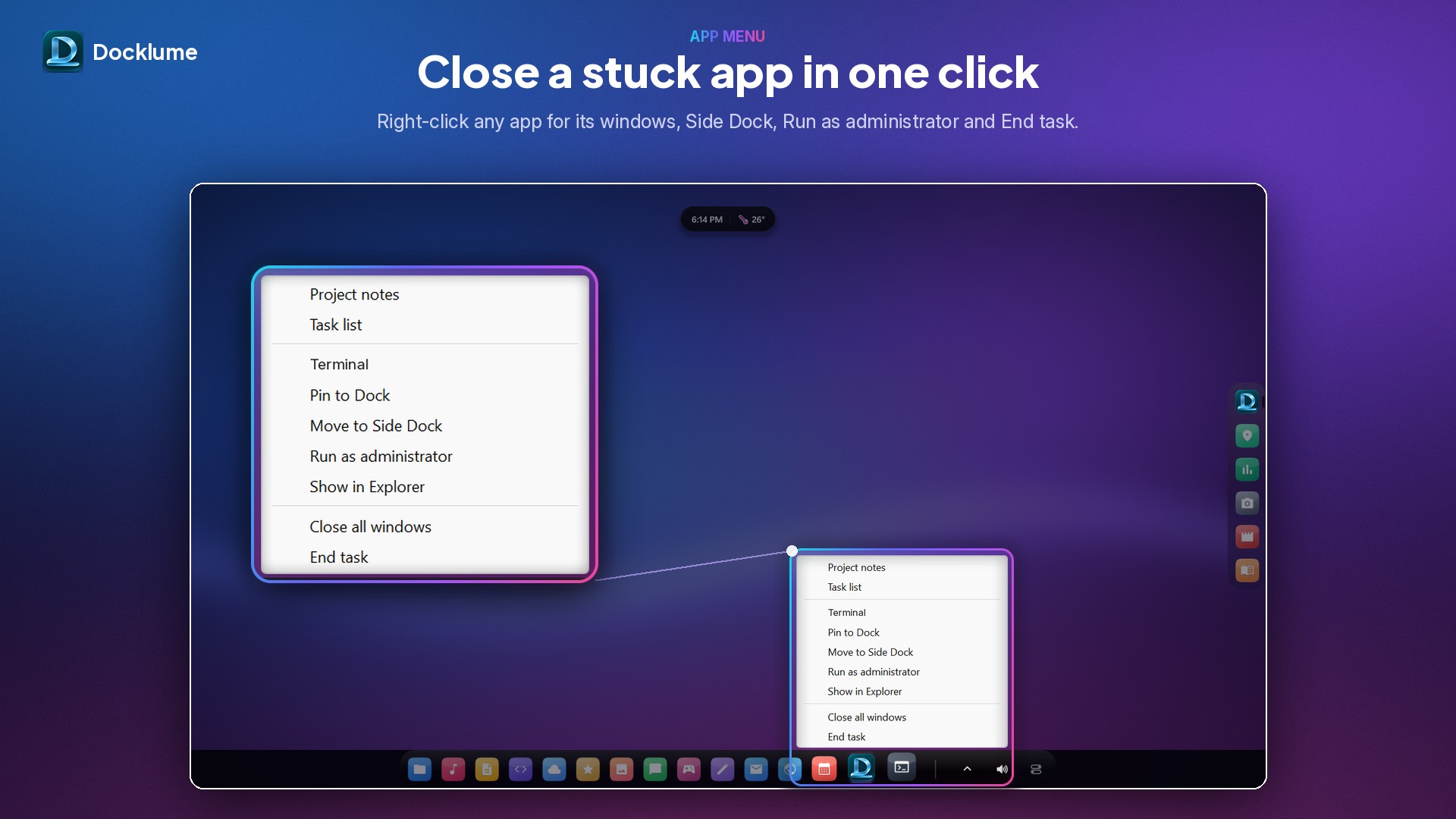
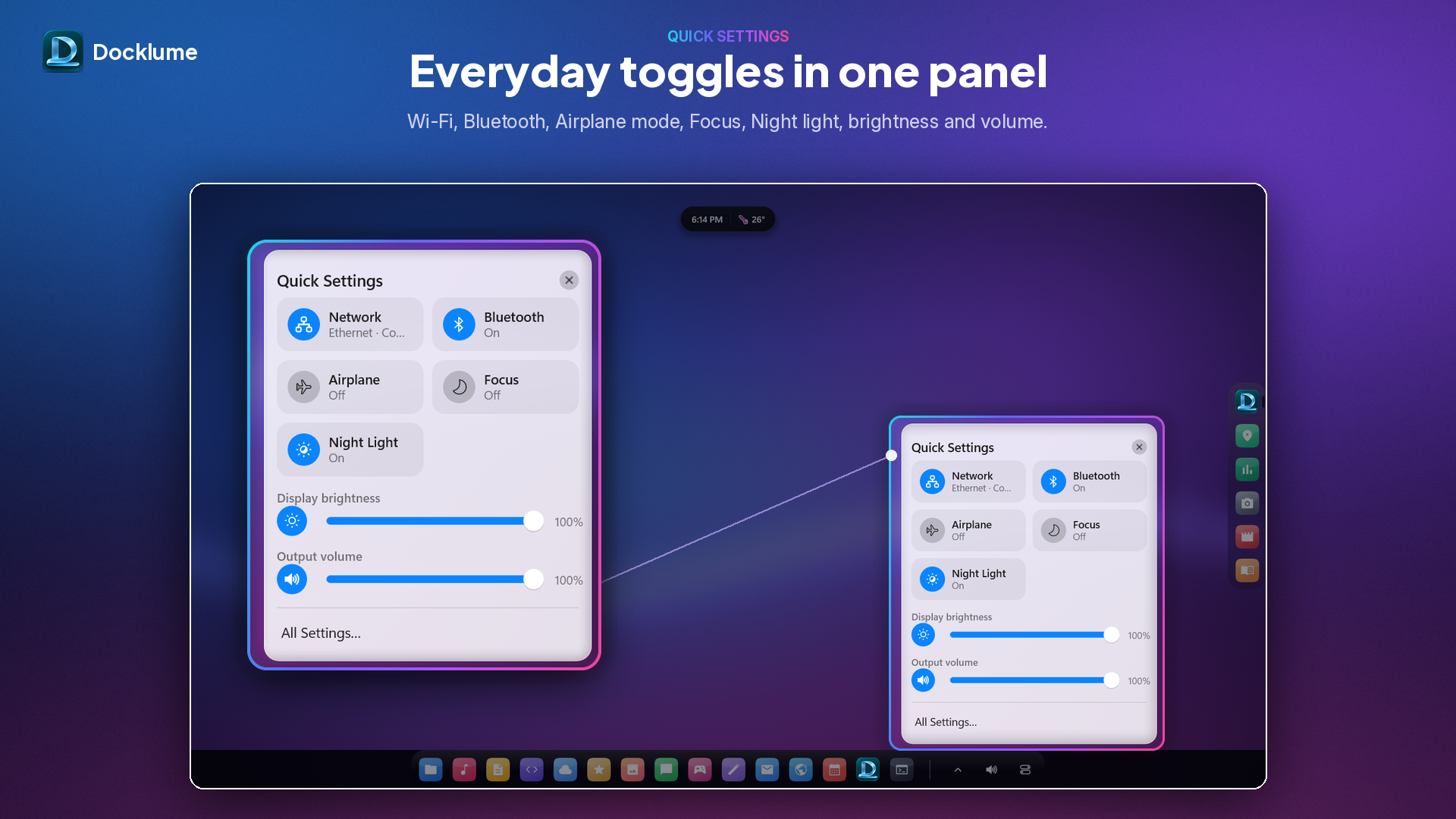
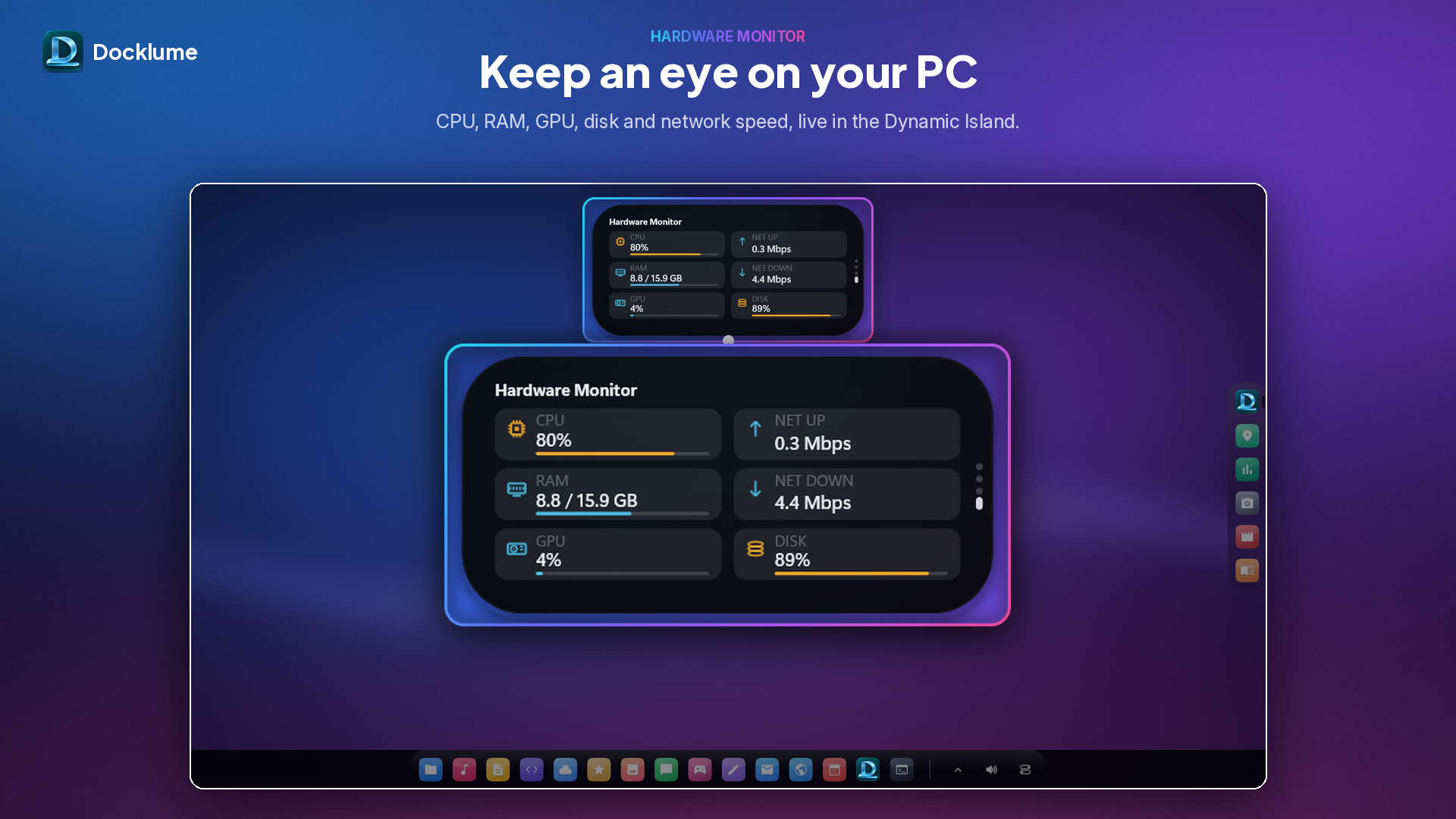
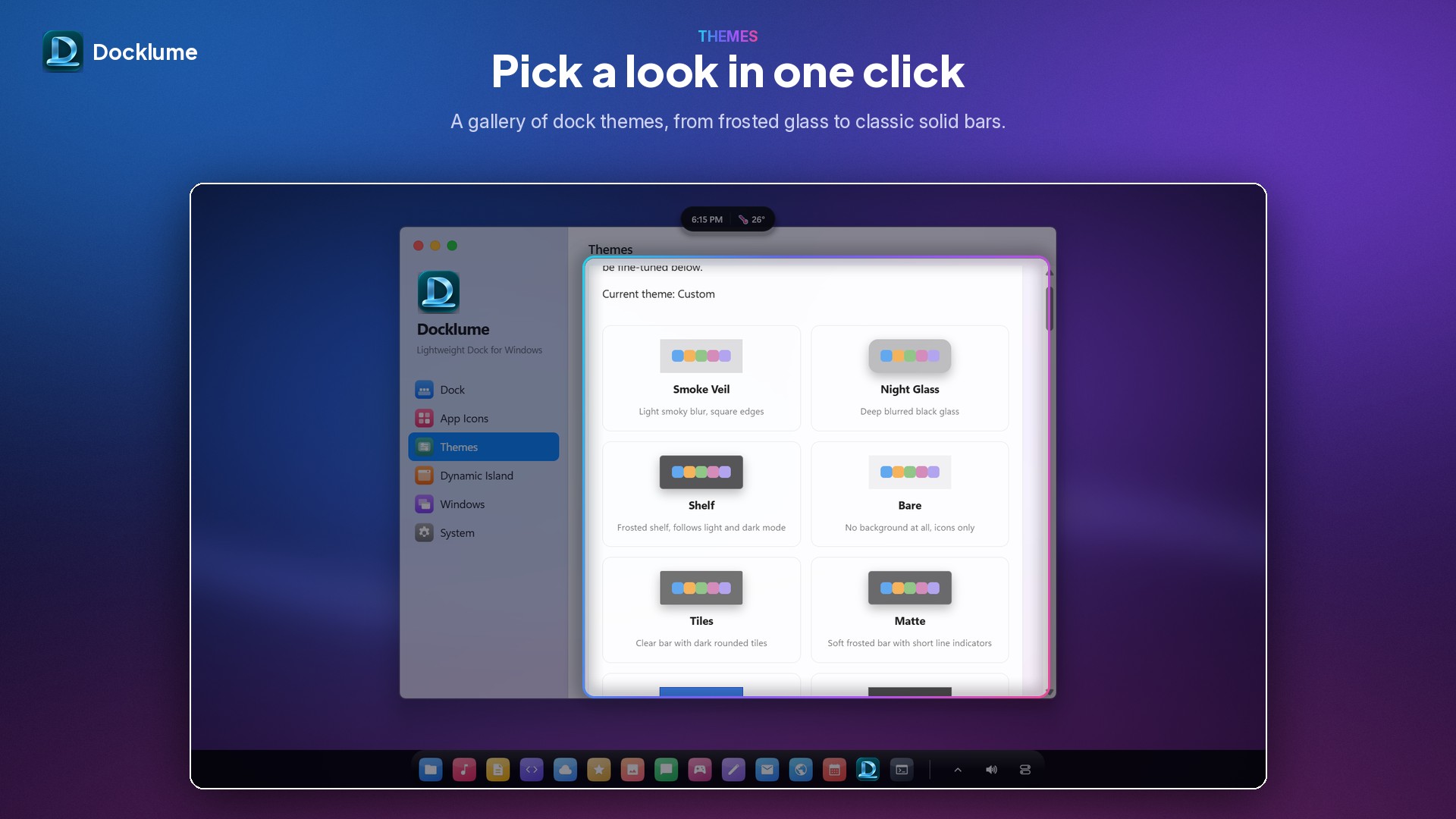
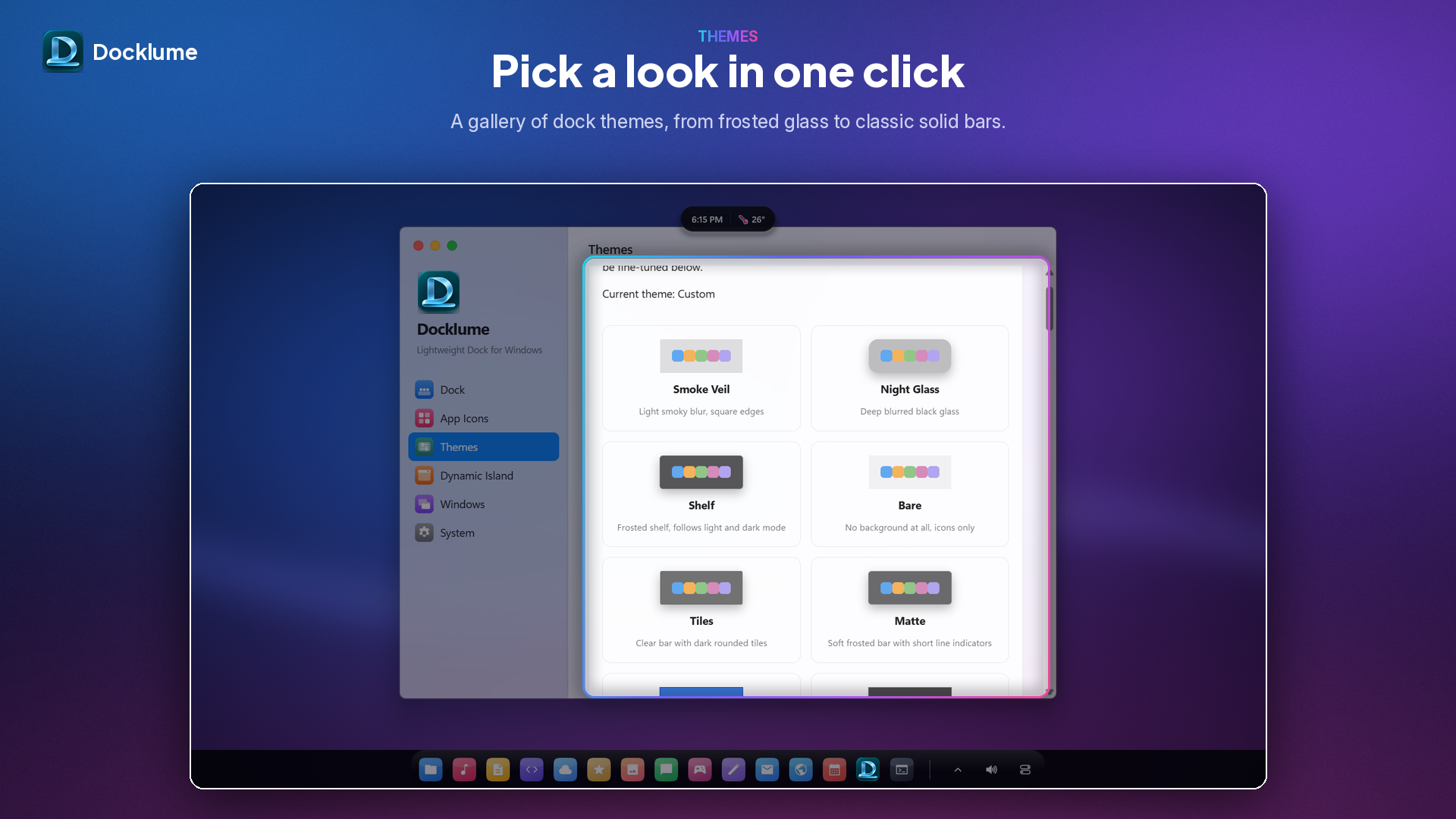
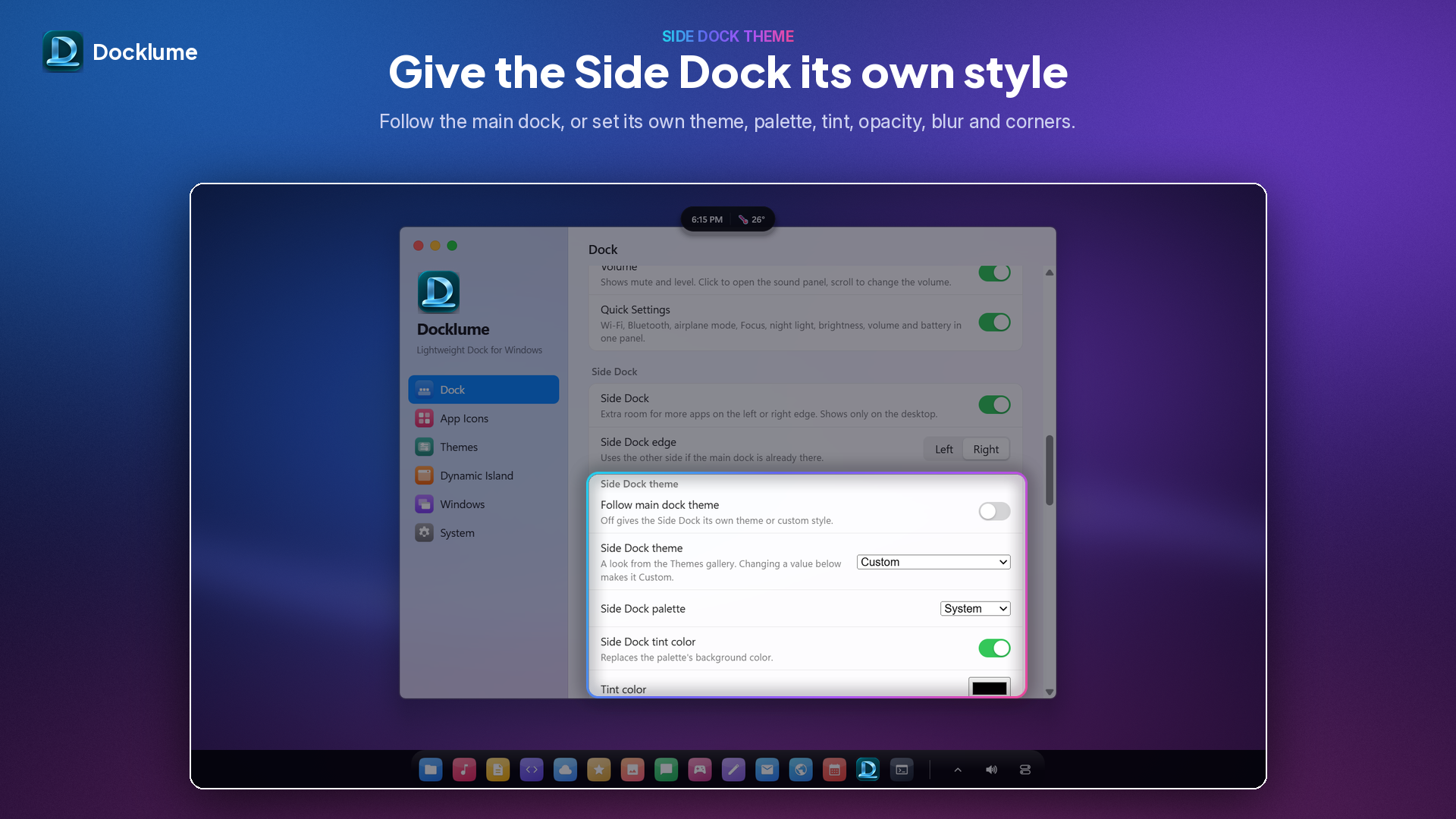
Ten 1920 × 1080 screenshots of Docklume 1.1.0, the same ones shown in the Microsoft Store. Also included in the press kit .zip.
Contact
Yeasin Arafat Sadiq, developer. hello@docklume.click · sadiqtbh.dev
Get Docklume. It’s free.
Requires Windows 11 (64-bit). Free and open source under GPL-3.0.